the workflow engine
drag, connect, automate.
workflows are automation graphs. a trigger node fires on an event, conditions branch the flow, action nodes call platform capabilities, and output nodes deliver results. no code, full power.
visual graph editor
build automation flows by connecting nodes — triggers, conditions, actions, and outputs. no code required. the drag-and-drop canvas handles the wiring.
templates & instances
create reusable workflow templates. fork a template to a specific mission, project, or subject — the instance inherits the graph but runs in its own context.
event bus triggers
trigger workflows from platform events — new mention, new follower, engagement spike, scheduled time. the event bus connects every part of the platform.
per-node output logs
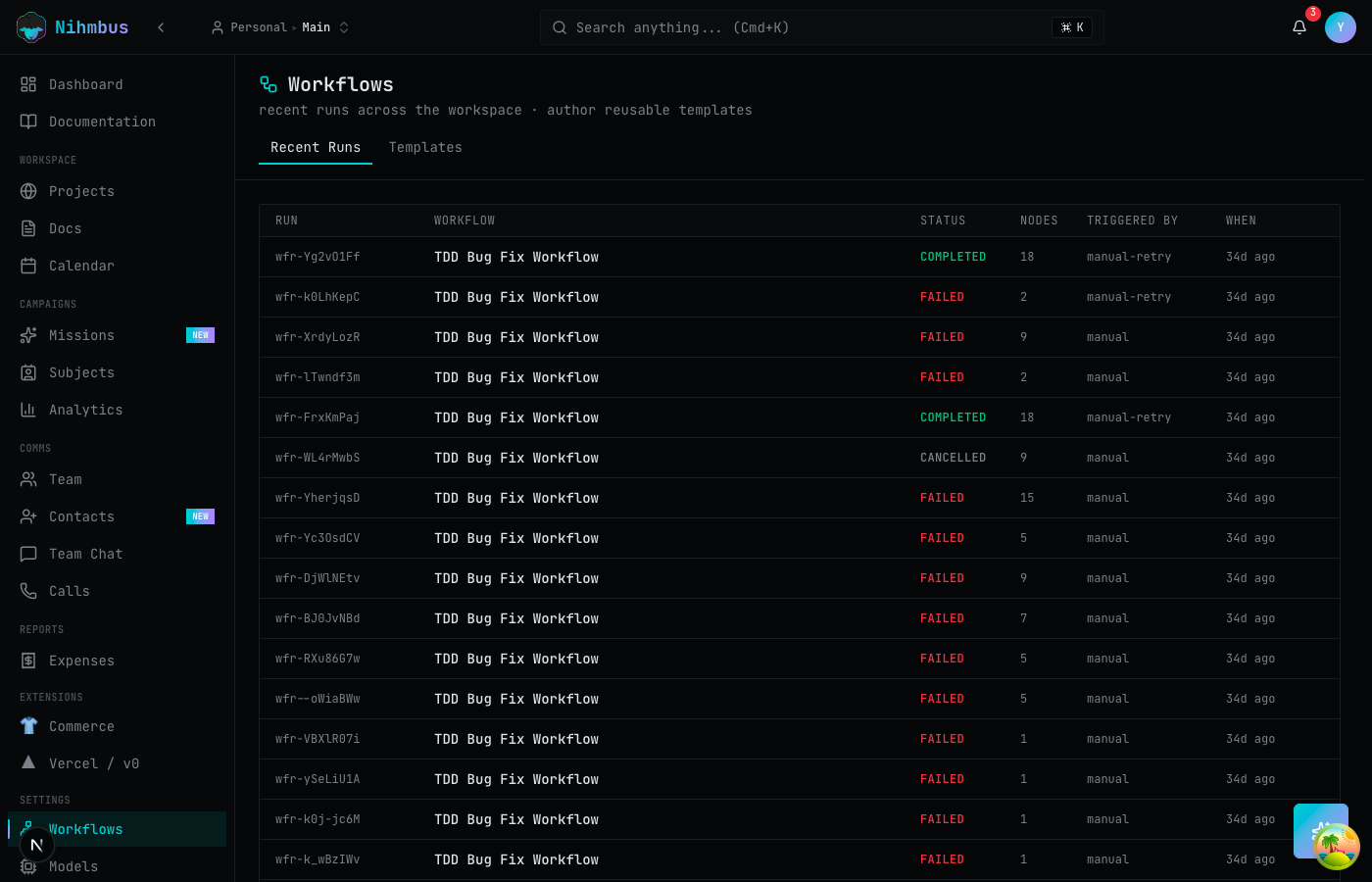
watch runs execute in real time with output at each node. debug failures by seeing exactly where a workflow stopped and what data was flowing through.
tools & skills in nodes
workflow nodes can call any action in the registry — native or extension. compose platform capabilities into multi-step automations without writing code.
human-in-the-loop
add approval gates to any workflow. pause execution and wait for human review before continuing — the same decision queue used by missions.
the workflow builder
build flows visually, run them autonomously.
a trigger (new mention) → condition (sentiment analysis) → action (AI draft reply or ignore) → output (publish). each node's properties panel lets you configure model, tone, and targeting.
faq
questions about workflows
do I need to code to use workflows?
no. the visual graph editor is drag-and-drop. connect trigger → condition → action → output nodes by clicking and dragging. configure each node in a properties panel. no code required.
what can trigger a workflow?
platform events (new mention, new follower, engagement spike), scheduled times (daily at 9am, every Monday), or manual triggers. the event bus connects workflows to everything on the platform.
what's the difference between a template and an instance?
a template is a reusable workflow definition. an instance is a template forked to a specific mission, project, or subject. the instance runs in that context — accessing the right knowledge base, contacts, and records — while inheriting the template's graph.